Exclude Page from Cache in WordPress: Forms, WP Rocket & LiteSpeed
Step-by-step written guide
About this video
Form pages must not be served from a page cache: an old security token makes submissions fail with an expired session or a 403 error.
Easy Form Builder 4.3.1 keeps form pages out of WP Rocket, LiteSpeed Cache and Cloudflare APO by itself; add a manual rule only for a server or CDN cache.
0:00 wordpress cache problem
0:11 wordpress cache plugin
0:23 litespeed cache settings
Full guide: https://whitestudio.team/document/exclude-easy-form-builder-froms-cache/
Easy Form Builder on WordPress.org: https://wordpress.org/plugins/easy-form-builder/
More video tutorials
 WordPress Telegram Notification for Form Submissions (Bot Setup)
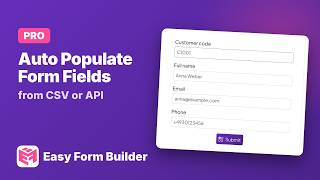 Auto Populate Form Fields in WordPress from CSV or API
 WordPress PayPal Integration: Free PayPal Payment Form (Free Plus)
 Import Contact Form 7 Forms into Easy Form Builder (Free)
 Location Picker WordPress Plugin: Map Field for Forms (Free Plus)
 Form Placeholder Text Examples + How to Add Them in WordPress